FROM FIRST
HELLO TO
DATE SECURED.
Bower brings the people, conversation, documents, and payments into one wedding Project. Here’s what that looks like when you’re doing the work.
Walk through a booking ↓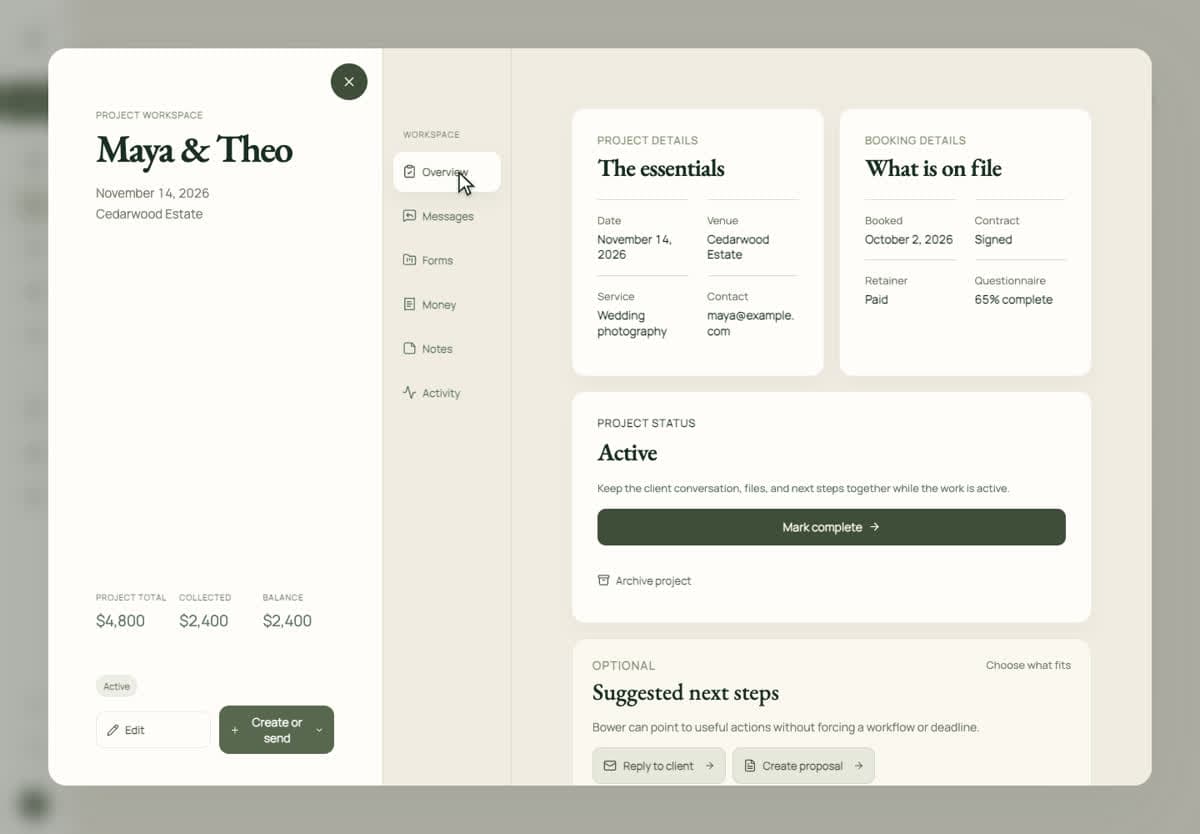
Start with the people behind the inquiry.
A couple fills out your inquiry form. Bower brings their details and first message into a Project, so the conversation starts with context. Add the wedding date and venue, keep the people involved together, and carry that same Project through booking.
Start with a useful first reply ↗A reply that still sounds like you.
Your inquiry acknowledgment lets the couple know their message arrived. Then you send a personal response. Bower can help draft it from the inquiry context; you review and edit the words before sending. The conversation stays attached to the wedding.
What to say in your first response ↗The planner reads. The couple signs.
Prepare the proposal and agreement from the Project. Use your contract template or bring your own agreement. Choose who needs to review it and who needs to sign, then check the recipients before sending. Private links let people take their part without creating an account.
How planner access works ↗Keep the money in the same picture.
Create the invoice and payment schedule, and send it to the right payer. If a parent is paying while the couple signs, those can be different people. Accept online payments through your connected Stripe account or record an outside payment. Review the contract and retainer status before confirming the booking.
When a parent is paying ↗Try a booking you actually recognize.
Bring an agreement, add the people involved, and see how the next step feels. You can explore Bower free for 14 days. No credit card required.
Try Bower free ↗